Apps & Social Media
Practical guides for messaging, social, maps, email and payment apps.
 Apps & Social Media
 Phone Overheating During Video Calls: Causes and Safe Fixes
Phones overheat during video calls due to high processor use, screen brightness, and heat from the environment. Lower video quality, reduce brightness, use Wi-Fi, and keep your phone cool to prevent this.
 Apps & Social Media
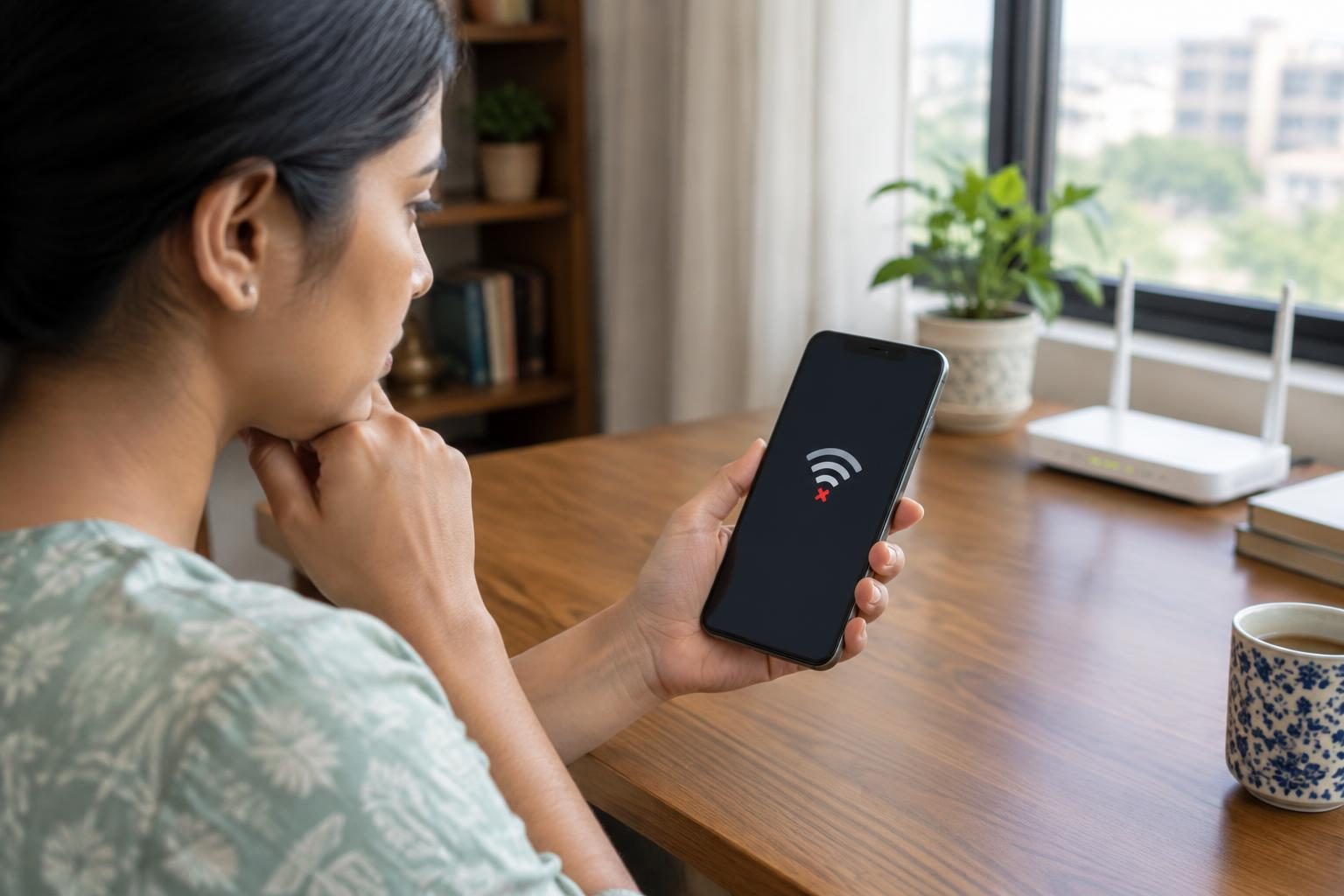
 Phone Connected to Wi-Fi but No Internet: Android Fixes
If your Android phone connects to Wi-Fi but has no internet, restart your device and router, toggle connections, check settings, reset network configurations, and contact your ISP if needed.
 Apps & Social Media
 WhatsApp Photos Not Showing in Gallery: Android Troubleshooting
WhatsApp photos may not show in your Android gallery because Media visibility is off, folders are hidden or excluded, or device settings affect indexing and display.
 Apps & Social Media
 Bluetooth Earbuds Connected but No Sound on Android: Fixes
If your Bluetooth earbuds connect to your Android device but no sound plays, check that media audio is enabled, restart both devices, re-pair the earbuds, and avoid interference to restore sound.
 Apps & Social Media
 Android Phone Not Receiving SMS After SIM Change: Troubleshooting
If your Android phone is not receiving SMS after a SIM change, check SIM insertion, set and update Google Messages as default, verify carrier SMS support, confirm signal and airplane mode status, and disable iMessage if switching from iPhone.
 Apps & Social Media
 Android Battery Draining Overnight: How to Find the Cause
Android battery drains overnight mainly due to background apps, screen settings, and system processes running when idle. Managing these through settings and app checks helps reduce drain.
 Apps & Social Media
 Instagram OTP Not Received: Login and Verification Fixes
If Instagram OTP codes are not received, check email spam folders, verify phone number accuracy, avoid virtual numbers, and ensure network connectivity. Follow these steps to fix OTP delivery.
 Apps & Social Media
 Google Photos Backup Stuck: Storage, Permissions and Network Fixes
Google Photos backup often gets stuck due to disabled backup settings, insufficient storage, missing folder permissions, or unstable network connections. Checking and adjusting these factors usually resolves the issue.
 Apps & Social Media
 iPhone Storage Full After Deleting Photos: What to Check
If your iPhone storage is full after deleting photos, check and permanently delete items in the Recently Deleted album, as photos remain there for 30 days before removal.
 Apps & Social Media
 WhatsApp Backup Stuck on Android: Fixes That Preserve Your Chats
If your WhatsApp backup gets stuck on Android, restart your device, check your internet and Google Account connection, free up storage, and keep your phone charged during backup.
 Apps & Social Media
 How to Recover a Hacked Instagram Account: Official Steps for Indian Users
If your Instagram account is hacked, immediately use Instagram's official recovery options, verify your identity, and secure your account with two-factor authentication.
 Apps & Social Media
 Latest WhatsApp Features India October 2026: Update & How to Use Them
From October 2026, WhatsApp in India features revised Business messaging prices, message delivery stops for some accounts, and government restrictions on username use. Learn what’s new and how to adapt.