Phone Overheating During Video Calls: Causes and Safe Fixes
Phones overheat during video calls due to high processor use, screen brightness, and heat from the environment. Lower video quality, reduce brightness, use Wi-Fi, and keep your phone cool to prevent this.
Contents
- Why does my phone overheat during video calls?
- How can reducing video quality during calls help prevent overheating?
- Does screen brightness affect phone temperature during video calls?
- Is using Wi-Fi instead of mobile data better for preventing overheating during calls?
- What should I do if my phone gets too hot during a video call?
- Do phone cases affect overheating during video calls?
- Does running multiple apps during a video call increase overheating risk?
- Frequently asked questions
- The bottom line
- Sources & methodology
Phones often overheat during video calls because video streaming demands significant processing power from the CPU and GPU, along with high screen brightness and sometimes prolonged usage. Environmental heat, such as direct sunlight, can worsen this. To reduce overheating, lower video quality, dim screen brightness, use Wi-Fi rather than mobile data when possible, avoid direct sunlight, close unused apps, and allow the device to cool if it becomes too hot.
Why does my phone overheat during video calls?
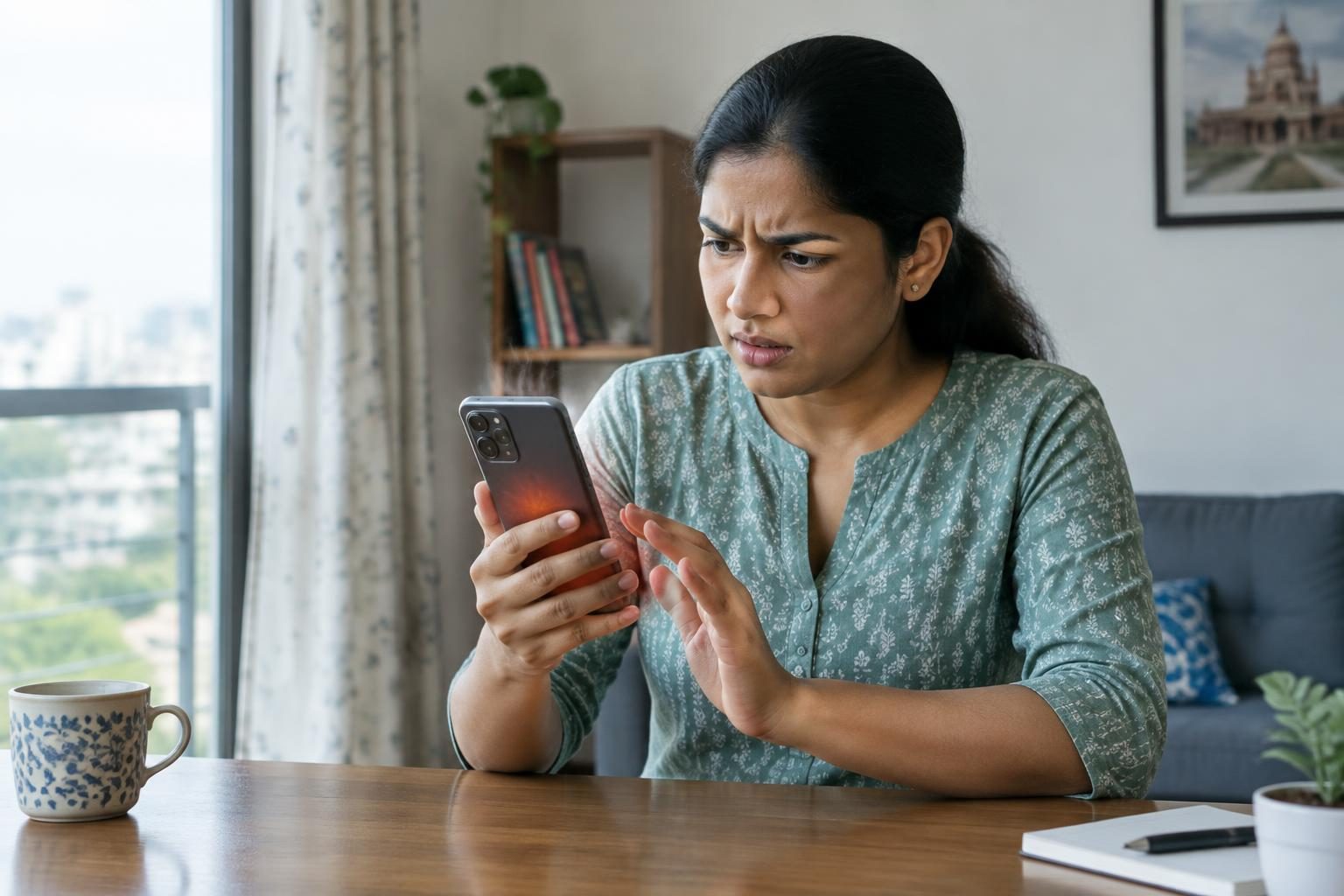
Phones overheat during video calls mainly due to the intensive processing tasks involved. The phone’s processor and graphics unit work to stream live video and audio while managing network data. This increases internal heat generation. High screen brightness and long call durations add to the load and heat effect. Environmental factors like direct sunlight or hot surroundings can also raise the device temperature.
According to Google's official support for Pixel phones, activities such as video playback, gaming, recording videos, or transferring large amounts of data can cause the phone to become warm. These conditions are similar to video calling source. OPPO’s support further confirms that excessive usage, high screen brightness, and exposure to heat or sunlight contribute to phone overheating source.
How can reducing video quality during calls help prevent overheating?
Lowering video quality during calls reduces the amount of data your phone processes and sends. This decreases the demand on the CPU and GPU, which helps manage the device's temperature better without forcing you to end the call. Reducing video resolution lowers bandwidth consumption and lightens processing tasks.
Google Meet support explains that lowering video resolution reduces device load during calls and can help prevent the phone from overheating. They also suggest avoiding overlapping video call windows with other apps or videos to reduce GPU load source.
Does screen brightness affect phone temperature during video calls?
Yes, screen brightness impacts phone temperature. High brightness settings increase power consumption by the display, which generates additional heat. Reducing screen brightness lowers power use and helps prevent the device from becoming too warm.
Both OPPO and Google recommend reducing screen brightness to help control heat during heavy phone usage, such as video calls sourcesource.
Is using Wi-Fi instead of mobile data better for preventing overheating during calls?
Using Wi-Fi typically uses less power than mobile data connections, which can reduce heat generated by your phone's radio components during video calls. When possible, connecting to Wi-Fi can help keep your device cooler over extended periods.
Google’s Pixel phone support recommends preferring Wi-Fi over mobile data to help reduce device heating and improve performance source.
What should I do if my phone gets too hot during a video call?
If your phone becomes too hot, immediately stop the video call and close any apps using significant resources. Also, disconnect the phone from charging, as charging produces additional heat. Move the device to a cooler environment out of direct sunlight. Let the phone cool down completely before using it again to avoid damage.
This approach aligns with official advice from Google for Pixel phones when the device overheats source.
Do phone cases affect overheating during video calls?
Phone cases can influence how well your phone dissipates heat. Cases not designed specifically for your model may trap heat, making it harder for your device to stay cool. Using manufacturer-recommended or well-ventilated cases may help the phone release heat more effectively and reduce overheating risks.
Google advises Pixel users to use only cases designed for their phone to maintain proper heat management source.
Does running multiple apps during a video call increase overheating risk?
Running multiple apps simultaneously can increase the workload on your phone’s CPU and GPU, which may raise its temperature. Closing unnecessary background apps before or during video calls may help reduce this additional resource use and assist in keeping your phone cooler. Although there is no specific manufacturer guidance on this for video calls, this advice aligns with general knowledge about device resource management.
Frequently asked questions
Why does my phone overheat during video calls?
Video calls require your phone to process video, audio, and network data simultaneously, which increases CPU and GPU activity and generates heat. High brightness and environmental temperatures can make this more pronounced.
How can I prevent my phone from overheating while on a video call?
Lower video quality, reduce screen brightness, use Wi-Fi instead of mobile data, close unnecessary apps, avoid direct sunlight, and select cases that do not trap heat to help prevent overheating.
Does screen brightness affect phone temperature during video calls?
Yes. A brighter screen uses more power and generates additional heat. Lowering brightness during calls is an effective way to keep your phone cooler.
Is using Wi-Fi instead of mobile data better for preventing overheating during calls?
Wi-Fi connections usually consume less power compared to mobile data, helping reduce overall heat during video calls when Wi-Fi is available.
What should I do if my phone gets too hot during a video call?
Stop the call, close resource-heavy apps, unplug the charger if connected, move the phone to a cooler place out of direct sunlight, and wait for it to cool before resuming use.
The bottom line
Phone overheating during video calls results from the high processing demand, bright displays, extended usage, and environmental temperature. Safely reducing video quality, lowering screen brightness, using Wi-Fi, managing apps, and protecting the device from heat can prevent overheating. If overheating occurs, pause use and let the phone cool to avoid damage.
For help with app and phone performance, consider our guides on Latest WhatsApp features and tips for Indian users and Best new 5G phones under ₹20,000 in India for efficient performance.
Sources & methodology
We reviewed the primary references below when checking the time-sensitive facts in this guide. Product features, prices, rules and eligibility can change, so confirm important details with the linked authority before acting.
- Help keep your Pixel phone from feeling too warm or hot support.google.comGoogle's official support page outlines that Pixel phones can become warm during activities such as playing videos, games, or other media; transferring or restoring backed-up data; recording high-definition videos; tethering the phone or using it as a Wi-Fi hotspot; and downloading or uploading large amounts of data over mobile data or Wi-Fi connections. To prevent overheating, it recommends stopping features or apps that heavily use the phone's resources, keeping the phone away from excessive heat, reducing screen brightness, using only cases made for the specific phone model, and using Wi-Fi instead of mobile data when possible. If the phone becomes too hot, it advises disconnecting it from any power source, moving it to a cooler place, and not using it until it cools down. ([support.google.com](https://support.google.com/pixelphone/answer/3333708?hl=en-AU&utm_source=openai))
- Por que o telefone OPPO está esquentando durante o uso support.oppo.comOPPO's support page identifies several factors that can cause smartphones to overheat, including excessive usage, high screen brightness, and exposure to direct sunlight or hot environments. It advises users to avoid prolonged use, reduce screen brightness, and keep the device out of direct sunlight to prevent overheating. ([support.oppo.com](https://support.oppo.com/br/answer/?aid=2260231&utm_source=openai))
- Fix an overheating laptop support.google.comGoogle Meet's support page provides guidance on managing device temperature during video calls. It suggests reducing video quality to lower bandwidth and CPU usage, and avoiding overlapping the Meet window with other windows to reduce GPU load. ([support.google.com](https://support.google.com/meet/answer/10800152?hl=en&utm_source=openai))