Android Phone Not Receiving SMS After SIM Change: Troubleshooting
If your Android phone is not receiving SMS after a SIM change, check SIM insertion, set and update Google Messages as default, verify carrier SMS support, confirm signal and airplane mode status, and disable iMessage if switching from iPhone.
Contents
- Why is my Android phone not receiving SMS after I changed the SIM card?
- How can I fix SMS receiving issues on my Android phone after a SIM swap?
- Do I need to update any apps to restore SMS reception after changing my SIM?
- Could the SIM card be improperly inserted causing SMS problems after a SIM change?
- Is it necessary to set Google Messages as the default app to receive SMS on Android?
- How can carrier support or balance affect receiving SMS messages on a new SIM?
- What steps should I take if my phone shows no signal after SIM replacement?
- Do I need to turn off airplane mode to start receiving SMS after SIM change?
- If I switched from iPhone to Android, what should I do about iMessage?
- How do I handle SMS issues on dual SIM Android phones after changing one SIM?
- Should I check or reset the SMSC number to fix SMS not received after SIM change?
- Can software or firmware issues cause SMS problems after a SIM swap?
- Could blocked contacts or spam filters affect SMS reception after a SIM change?
- Frequently asked questions
- The bottom line
- Sources & methodology
If your Android phone is not receiving SMS messages after changing the SIM card, it often results from improper SIM insertion, the default messaging app not being set or updated, lack of carrier SMS support or insufficient credit, no network signal or airplane mode being enabled, or conflicts due to iMessage if you recently switched from an iPhone.
Why is my Android phone not receiving SMS after I changed the SIM card?
Your Android device may fail to get SMS after a SIM replacement because the SIM might not be seated properly, the default SMS app may not be configured or updated, your mobile plan might not support SMS or have active credit, the device could lack network signal or be in airplane mode, or iMessage settings from an iPhone could interfere with message delivery.
How can I fix SMS receiving issues on my Android phone after a SIM swap?
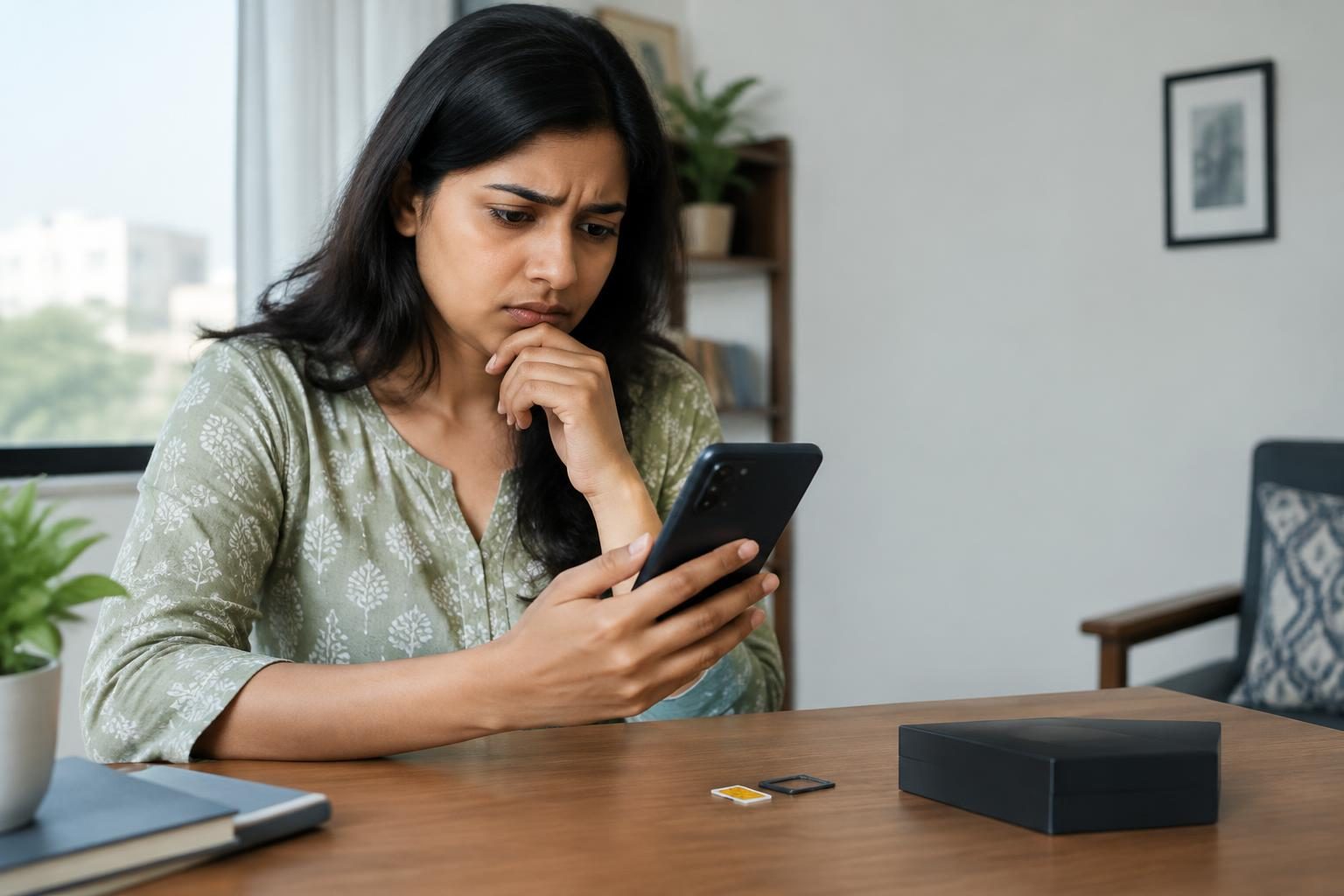
- Reinsert the SIM card properly: Remove the SIM and carefully reinstall it, ensuring it is aligned correctly and fully seated in the slot, as this helps the phone register on the network effectively. Source
- Set Google Messages as the default SMS app: Go to Settings > Apps > Default apps > SMS app and select Google Messages to manage SMS reception properly. Source
- Update the Google Messages app: Visit the Google Play Store and update Google Messages to the latest version to benefit from performance improvements and bug fixes. Source
- Restart your phone: Restarting can help re-establish network connections and refresh system operations.
- Disable airplane mode: Ensure airplane mode is turned off in your Quick Settings so the device can connect to cellular networks. Source
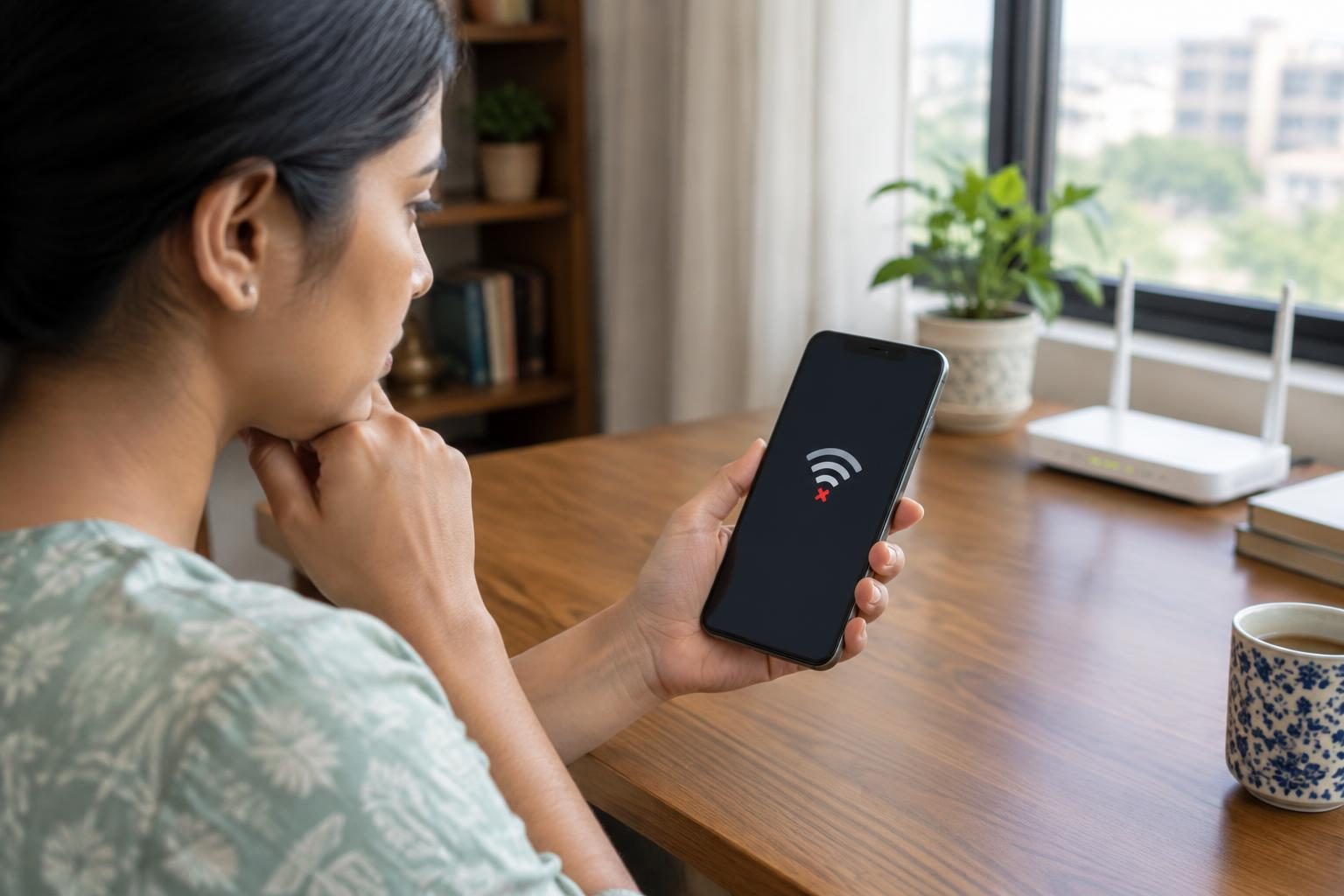
- Check for cellular signal: Confirm your phone shows network bars and is connected to the carrier's network.
- Verify carrier SMS support and account status: Contact your mobile provider or log into your account online to confirm SMS services are active and your plan or balance supports receiving texts. Source
Do I need to update any apps to restore SMS reception after changing my SIM?
Yes. Keeping the Google Messages app updated to the latest version is important for reliable SMS sending and receiving, as updates include vital fixes and optimizations. Also, check for other messaging apps that might interfere and disable them temporarily if needed. Source
Could the SIM card be improperly inserted causing SMS problems after a SIM change?
A SIM card not properly inserted can prevent your Android phone from registering on the carrier network, thus stopping SMS reception. Carefully remove and reinsert the SIM in the correct orientation, ensuring it fits securely in the SIM tray. Also, check the SIM for dust or damage before reinserting. Source
Is it necessary to set Google Messages as the default app to receive SMS on Android?
Android devices require a default SMS app to handle sending and receiving messages effectively. Google Messages is often recommended due to its broad carrier compatibility and features, though users can choose other SMS apps. Setting a default app helps avoid conflicts and ensures timely message notifications. Source
How can carrier support or balance affect receiving SMS messages on a new SIM?
Your mobile carrier must support SMS messaging on your plan, and your account needs to be active with sufficient balance or a valid subscription to receive text messages. If the SIM is not activated, or if your plan has restrictions like limited roaming or depleted credit, SMS delivery can be blocked. Always confirm service status with your carrier. Source
What steps should I take if my phone shows no signal after SIM replacement?
- Restart the phone to refresh its network connection.
- Check if your device supports the carrier’s frequency bands used in your area.
- Manually select the network operator through Settings > Network > Mobile networks if automatic selection fails.
- Make sure airplane mode and any network restrictions are off.
- If using Google Fi, move to an area with better signal coverage. Source
Do I need to turn off airplane mode to start receiving SMS after SIM change?
Yes, airplane mode disables all wireless communications, including cellular networks that deliver SMS. Turning off airplane mode restores your phone’s ability to receive messages. Source
If I switched from iPhone to Android, what should I do about iMessage?
If you changed from an iPhone to an Android phone, it's important to deactivate iMessage on your old iPhone before switching SIM cards. Otherwise, messages from iPhones might continue to route through Apple’s iMessage system, preventing SMS delivery to your Android device. Deactivating iMessage rescues your phone number from Apple’s network, ensuring proper SMS reception. Source
How do I handle SMS issues on dual SIM Android phones after changing one SIM?
For phones with dual SIMs, confirm that the SIM intended for SMS is set as the default for messaging in Settings > SIM cards. Ensure the active SIM has SMS service and balance. Testing SMS reception on each SIM independently by temporarily disabling the other can help isolate issues.
Should I check or reset the SMSC number to fix SMS not received after SIM change?
The Short Message Service Center (SMSC) number routes SMS traffic and must be correct for proper message delivery. Incorrect SMSC settings can cause SMS reception issues. Advanced users can check or update SMSC numbers via the phone’s messaging settings or carrier-specific dialer codes, but this step is usually best done after consulting carrier support.
Can software or firmware issues cause SMS problems after a SIM swap?
Occasionally, software glitches or outdated Android OS versions may disrupt SMS functionality. Updating your device to the latest Android release can resolve such issues. If problems continue, resetting network settings or performing a factory reset after backing up data may help.
Could blocked contacts or spam filters affect SMS reception after a SIM change?
Blocked numbers or active spam filters within Google Messages or other messaging apps can prevent certain SMS from appearing. Checking blocklists and spam folders, and temporarily disabling spam filters, can help determine if these features are blocking messages.
Frequently asked questions
Why is my Android phone not receiving SMS after I changed the SIM card?
Common causes include improperly inserted SIM cards, the default SMS app not set or updated, inactive carrier SMS service or insufficient credit, phone being in airplane mode, or lack of network signal.
Do I need to update any apps to restore SMS reception after changing my SIM?
Updating Google Messages to the latest version helps fix bugs that might prevent SMS delivery, enhancing overall reliability.
How can carrier support or balance affect receiving SMS messages on a new SIM?
Without an active SMS service or sufficient account balance, carriers may block incoming SMS messages until these issues are addressed.
What steps should I take if my phone shows no signal after SIM replacement?
Try restarting the device, manually selecting the carrier network, ensuring airplane mode is off, and confirming device compatibility with the carrier’s frequencies.
If I switched from iPhone to Android, what should I do about iMessage?
Deactivate iMessage on your previous iPhone to prevent SMS delivery conflicts and free your phone number from Apple’s messaging system.
The bottom line
If your Android phone is not receiving SMS after a SIM change, first ensure the SIM card is properly inserted, and Google Messages is set as the default app and updated. Check carrier SMS support and account status, confirm cellular signal and airplane mode settings, and if switching from iPhone, deactivate iMessage. These steps typically resolve SMS reception issues.
For related messaging tips, learn how to fix WhatsApp backup issues on Android and how to use the latest WhatsApp messaging features for better chat experiences.
Sources & methodology
We reviewed the primary references below when checking the time-sensitive facts in this guide. Product features, prices, rules and eligibility can change, so confirm important details with the linked authority before acting.
- Fix problems sending, receiving, or connecting to Google Messages - Android - Google Messages support.google.comThis official Google support page provides comprehensive troubleshooting steps for issues related to sending or receiving SMS/MMS messages on Android devices. Key recommendations include: ensuring the Google Messages app is updated to the latest version; verifying that the SIM card is properly inserted; confirming that Google Messages is set as the default messaging app; checking if the carrier supports SMS, MMS, or RCS messaging; and ensuring sufficient plan or credit balance for messaging services. Additionally, it advises checking for a signal and ensuring that airplane mode is turned off. For users transitioning from an iPhone, it suggests deactivating iMessage to prevent potential conflicts. These steps are directly supported by the page and are applicable to a wide range of Android devices.
- I can't send or receive text messages (SMS/MMS) - Android - Google Fi Wireless Help support.google.comThis Google Fi support page addresses issues related to sending or receiving SMS/MMS messages on Android devices. It recommends: ensuring the device has a signal and is in a coverage area; updating text settings if using an iPhone; and considering activating the device with an eSIM if using a newer model. These steps are directly supported by the page and are specific to Google Fi users.