Router UPS Backup Time: How to Estimate What You Need
Router UPS backup time depends on router wattage and UPS battery capacity. Calculate wattage, choose a UPS with 20-25% higher capacity, then estimate runtime with UPS specs and battery health.
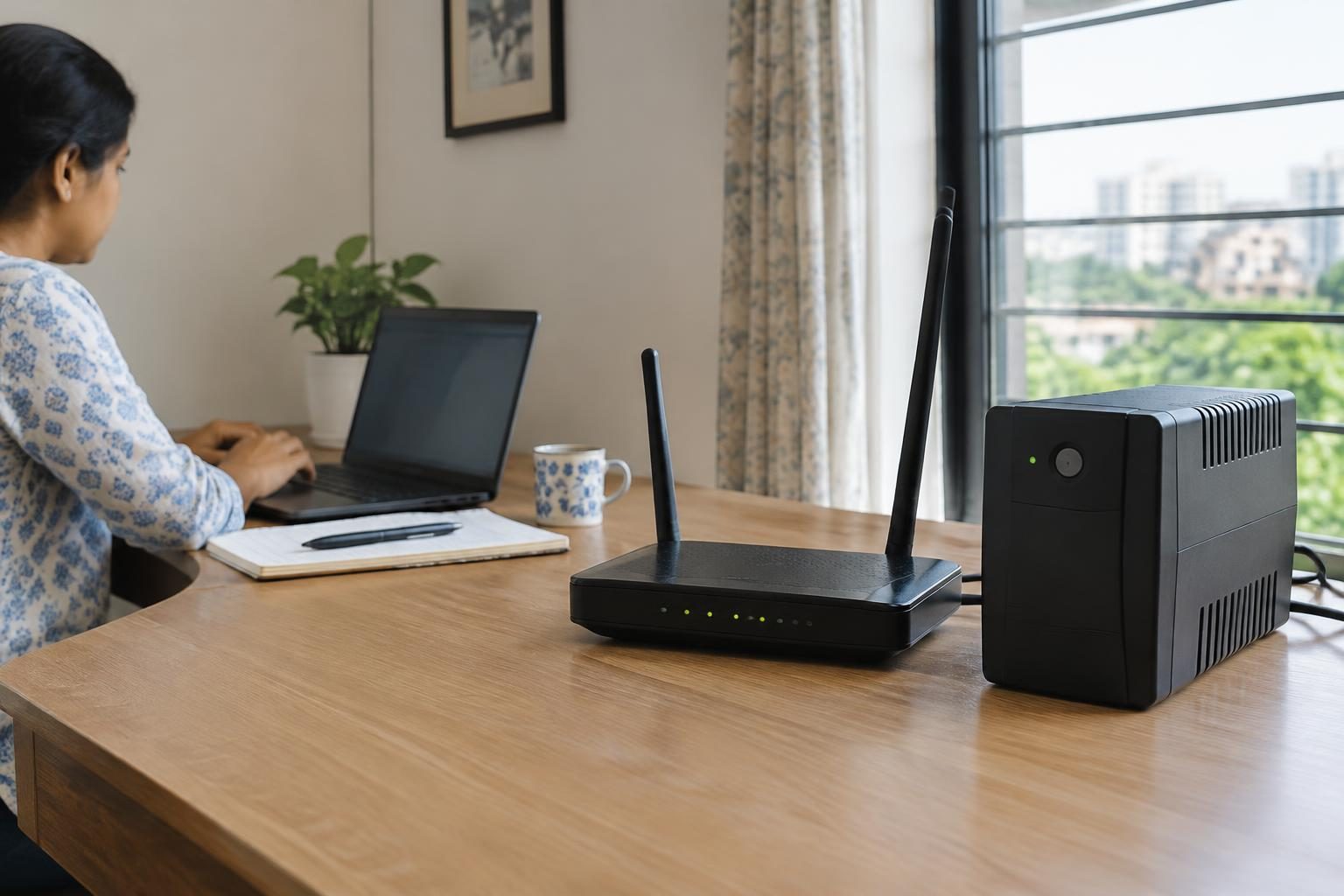
Contents
- How do I calculate the backup time I need for my router's UPS?
- What factors affect the runtime of a UPS when connected to a router?
- How much wattage does a typical router consume?
- What should I consider when choosing a UPS capacity to support a router?
- Does the VA rating or watt rating matter more for UPS selection?
- Can I use a UPS designed for computers to back up my router?
- How does battery age influence UPS backup time?
- What additional UPS features can benefit router backup scenarios?
- Frequently asked questions
- The bottom line
- Sources & methodology
Router UPS backup time primarily depends on the router's power consumption (in watts) and the UPS battery capacity, usually measured in VA and watts. To estimate backup time, identify your router’s wattage, select a UPS rated approximately 20-25% above the total load to handle surges, and then use UPS watt rating and available runtime information—considering battery condition—to approximate how long your router will stay powered during an outage.
How do I calculate the backup time I need for my router's UPS?
Calculating backup time requires knowing your router's power usage and your UPS’s battery capacity.
- Determine Router Wattage: Find your router’s power draw in watts from its specifications or label.
- Choose UPS Capacity Above Load: Select a UPS with a watt rating about 20-25% higher than the total connected equipment wattage to manage power surges and ensure stability, as recommended by APC’s UPS Buying Guide [source].
- Estimate Runtime: Use the UPS’s watt rating and runtime curves, if provided by the manufacturer, to estimate backup time under your router’s load. Remember, battery health and age affect actual runtime.
What factors affect the runtime of a UPS when connected to a router?
Several considerations influence how long a UPS can power a router:
- Power Consumption of Router and Devices: Higher power use reduces backup time.
- Battery Age and Condition: Older or poorly maintained batteries hold less charge, lowering runtime.
- UPS Design and Battery Capacity: UPS models with larger batteries and efficient power conversion generally provide longer runtimes.
- Operating Conditions: Temperature and environment can impact battery efficiency and backup duration.
How much wattage does a typical router consume?
Typical home routers usually consume between 6 and 20 watts, depending on features and model complexity. More elaborate devices like some mesh systems may require additional power, but exact wattage varies by manufacturer and model. Because no definitive third-party source confirms exact ranges, it is best to consult your router’s specifications for accurate power consumption.
What should I consider when choosing a UPS capacity to support a router?
When selecting a UPS for your router, keep the following in mind:
- Allow Margin for Load: Pick a UPS with a watt rating about 20-25% above your total connected load to accommodate power surges and maintain stable backup, as outlined by APC [source].
- VA vs. Watt Ratings: VA (volt-amperes) rating measures apparent power, while watt rating reflects real usable power. The watt rating is more relevant to ensure the UPS supports your router’s actual power needs.
- Future Expansion: If you plan to add devices like switches or modems, include their wattage in your power calculations to avoid undersizing your UPS, consistent with Dell’s advice for networking equipment [source].
Does the VA rating or watt rating matter more for UPS selection?
The watt rating matters more when selecting a UPS for a router because it indicates the actual power the unit can deliver to your devices. Relying solely on VA rating can be misleading, since it includes reactive power the UPS may not supply as useful output.
- VA Rating: Describes apparent power capacity, combining voltage and current without accounting fully for real power use by electronics.
- Watt Rating: Indicates the real power capability, which matches your router’s true power consumption.
- Practical Example: Dell’s 1500VA UPS models deliver roughly up to 900 watts, with runtime varying by battery age and load [source].
Can I use a UPS designed for computers to back up my router?
Yes, most UPS units designed for PCs and general use are suitable for routers and smaller networking devices. Just ensure the UPS has enough watt and VA rating to support your router and any connected equipment, as well as the appropriate outlets and plug types. For example, Dell’s 1000VA UPS offers suitable battery backup and surge protection for networking gear like routers and modems [source].
How does battery age influence UPS backup time?
Battery age has a significant effect on UPS backup runtime:
- Capacity Decline: Batteries lose charge capacity with use and age, shortening backup time.
- Maintenance: Regular battery checks and timely replacements help maintain dependable runtimes.
- Environmental Impact: High temperatures and deep discharges accelerate battery wear.
Caution: A degraded UPS battery may not provide reliable backup and can pose safety risks if not maintained, so proper care or professional servicing is important.
What additional UPS features can benefit router backup scenarios?
- Surge Protection: Shields your router and devices from sudden voltage spikes.
- Multiple Outlets: Enables simultaneous backup for additional networking devices.
- Automatic Voltage Regulation (AVR): Maintains steady output voltage during fluctuations, protecting sensitive equipment.
- Power Event Indicators or Software: Provides alerts and monitoring of power outages and battery status.
Frequently asked questions
How do I calculate the backup time I need for my router's UPS?
Identify your router’s wattage and any other devices you want to back up. Choose a UPS with 20-25% more watt capacity than this total, then use UPS runtime curves and battery health information to estimate backup time.
What factors affect the runtime of a UPS when connected to a router?
Runtime is affected by the total load wattage, battery condition and capacity, UPS design efficiency, and external conditions like temperature.
How much wattage does a typical router consume?
Typical home routers consume between approximately 6 and 20 watts, but wattage can vary. Consult your router’s official specifications for accurate power consumption data.
What should I consider when choosing a UPS capacity to support a router?
Select a UPS with watt capacity 20-25% above total connected load, consider future devices, and ensure the watt rating matches your actual power needs rather than only the VA rating.
How does battery age influence UPS backup time?
As batteries age, their capacity drops, leading to reduced backup times. Regular testing and timely battery replacement preserve dependable UPS operation.
The bottom line
Estimating router UPS backup time starts with identifying your router’s wattage and selecting a UPS with sufficient watt and VA capacity—typically 20-25% above your load—to handle power surges and ensure stable runtime. Battery health and environmental factors also play important roles in actual backup duration. Following these guidelines and maintaining your UPS battery will help keep your router powered during outages, maintaining seamless connectivity.
For related guidance, see Why Is My Phone Battery Draining Fast? Check These Causes and Fixes and Why Is My Phone Overheating? Causes and Safe Fixes.
Sources & methodology
We reviewed the primary references below when checking the time-sensitive facts in this guide. Product features, prices, rules and eligibility can change, so confirm important details with the linked authority before acting.
- UPS Buying Guide: Battery backup for uninterrupted power. www.apc.comAPC's UPS Buying Guide emphasizes the importance of selecting a UPS with an Output Watt Capacity 20-25% higher than the total power drawn by any attached equipment. This ensures that the UPS can handle the load and provide adequate runtime during power outages. The guide also highlights the significance of understanding the power factor, which is the ratio of watts to VA, and its impact on UPS sizing. Additionally, it discusses the need to calculate the total wattage of all devices to be connected to the UPS and select a model with sufficient capacity and outlets. ([apc.com](https://www.apc.com/us/en/support/product-support/ups-buying-guide-for-selecting-a-battery-backup-system.jsp?utm_source=openai))
- 1500VA UPS www.dell.comDell's 1500VA UPS provides dependable battery backup and surge protection for desktop computer setups, gaming PCs, monitors, printers, or home entertainment arrangements. The VA rating describes the unit’s apparent power capacity, while the watt rating indicates the amount of real power it can deliver to connected electronics. Many 1500VA models support up to 900 watts, although the exact output varies by design. The runtime varies with battery age, connected equipment, operating conditions, and the UPS design, so manufacturer runtime charts are more useful than a single advertised estimate. ([dell.com](https://www.dell.com/en-us/shopping/1500va-ups?utm_source=openai))
- UPS For Cisco Switches www.dell.comDell's UPS solutions for Cisco switches emphasize features such as automatic voltage regulation, pure sine wave output, hot-swappable batteries, and network management capabilities. These features help maintain stable power, simplify maintenance, and allow for remote monitoring and alerts, which can be especially useful in business or multi-device environments. The UPS units are designed to support multiple devices, including several switches, routers, and access points. It's important to calculate the total power requirements of all connected equipment and select a UPS with sufficient capacity and outlets to ensure reliable backup for the entire network stack. ([dell.com](https://www.dell.com/en-us/shopping/ups-for-cisco-switches?utm_source=openai))
- 1000VA UPS www.dell.comDell's 1000VA UPS is a practical solution for safeguarding electronics against unexpected power outages, voltage fluctuations, or surges. These units are especially popular among remote workers, small business owners, gamers, and anyone who relies on a stable power supply for desktops, laptops, monitors, and essential networking equipment. The UPS provides battery backup and surge protection for devices such as wireless networking equipment (routers, modems), computers, televisions, security systems, gaming consoles, and mobile devices. The runtime varies with battery age, connected equipment, operating conditions, and the UPS design, so manufacturer runtime charts are more useful than a single advertised estimate. ([dell.com](https://www.dell.com/en-us/shopping/1000va-ups?utm_source=openai))