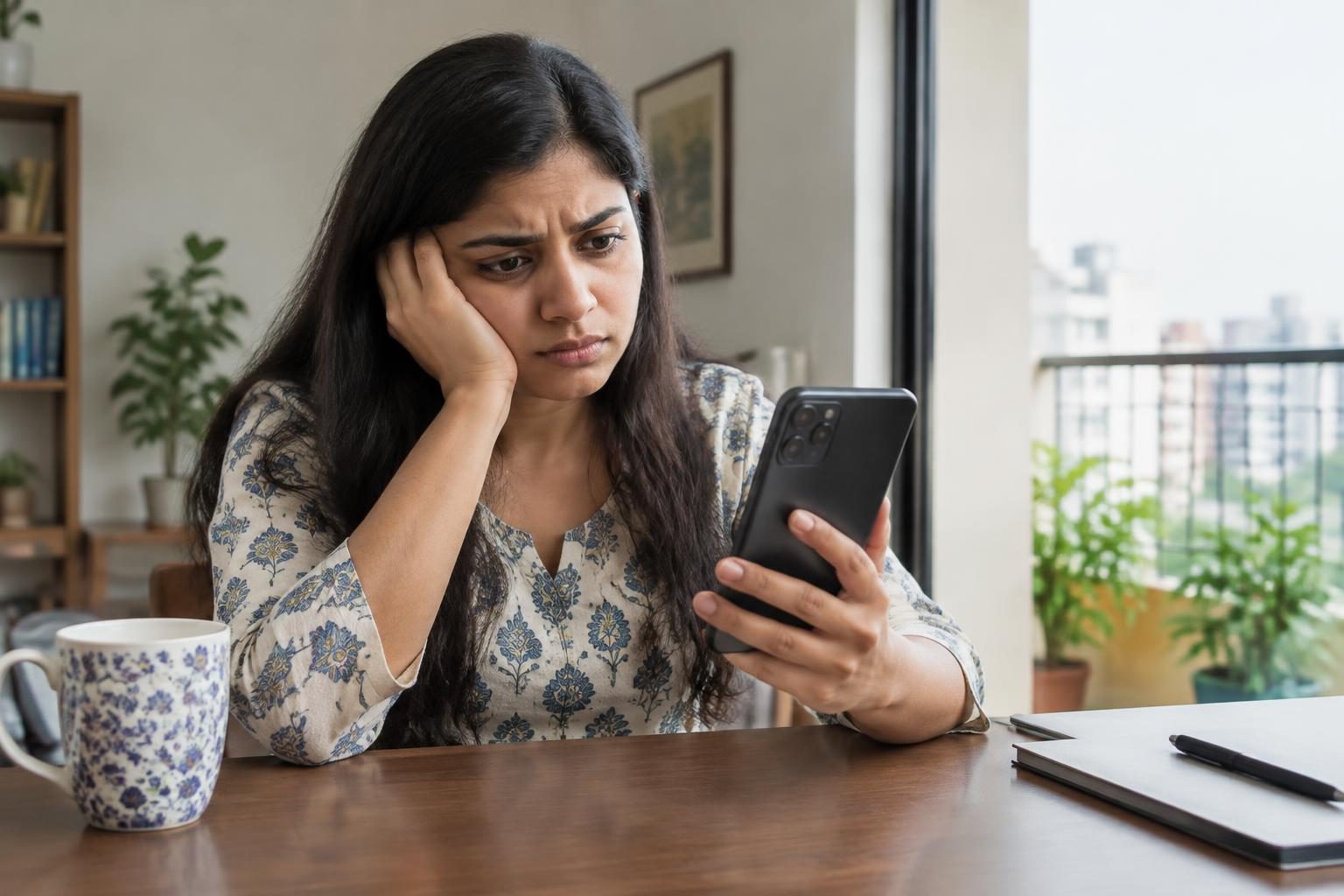
Why Is My Phone Battery Draining Fast? Check These Causes and Fixes
Your phone battery drains fast due to excessive app and service usage, network fluctuations, software bugs, and hardware issues. Adjusting settings and managing apps can extend battery life effectively.

Contents
- Why is my phone battery draining so fast?
- What apps or services consume the most battery on Android phones?
- Are there known software bugs that cause fast battery drain?
- How can I fix fast battery drain on my phone?
- How do network settings and regional factors in India affect battery life?
- What hardware issues should I consider about battery drain?
- What cost-effective methods can Indian buyers use to improve phone battery life?
- Frequently asked questions
- The bottom line
- Sources & methodology
Your phone battery might be draining fast because some apps or services consume excess power, background activities keep running, network signals fluctuate, or the hardware is aging or faulty. Identifying which factors contribute the most to the drain is key to fixing and improving battery performance.
Why is my phone battery draining so fast?
Phone battery drain mainly happens because apps or services use more power than usual, especially in the background. Mechanical and software faults, plus poor network connections, also increase drain.
Many users overlook how background apps, location services, and constant notifications put continuous load on the battery. Additionally, network instability makes phones search harder for signals, consuming more energy. Hardware degradation over time further reduces battery capacity and efficiency.
Understanding exactly which apps or settings consume the most power is essential. Android phones let you check battery usage details to pinpoint heavy users and background processes. This insight guides the next steps to improve battery life effectively.[Source]
What apps or services consume the most battery on Android phones?
Some apps, especially social media platforms (Facebook, Instagram), video streaming, and navigation (Google Maps), are known for heavy battery use. Many of these run background processes or track your location continuously, draining power silently.
Android’s battery usage breakdown feature shows which apps consumed the most battery in recent hours or days. Users can check this to identify culprit apps and manage them by force stopping, uninstalling, or limiting background activity.
Disabling location or background data for non-essential apps reduces unnecessary battery usage. Aggressively managing or removing rarely used but power-hungry apps significantly extends battery life.[Source]
Are there known software bugs that cause fast battery drain?
Yes, some phones, including Google Pixel models, have faced recent software bugs causing quick battery drain. Although Google released fixes to address these bugs, some users still report battery issues afterward.
Keeping your phone’s software updated ensures you get patches that improve battery management and fix leaks. Checking for system updates regularly and restarting phones can also help manage unexpected drains caused by software glitches.[Source]
How can I fix fast battery drain on my phone?
Several practical steps help reduce fast battery drain:
- Lower your screen brightness and use adaptive brightness.
- Close or uninstall unnecessary apps running in the background.
- Enable battery saver mode, available on most phones, to restrict background data and limit activity when needed.
- On Google Pixel phones with recent drain bugs, rebooting regularly and clearing app caches are helpful temporary fixes some users report.[Source]
- Disable always-on apps and aggressive notifications from apps that regularly wake your screen.
These measures often yield an immediate improvement in battery life without additional costs.[Source]
How do network settings and regional factors in India affect battery life?
Poor or fluctuating network signals, common in many parts of India, cause phones to expend more power searching and connecting repeatedly to networks. This significantly drains battery.
To conserve battery in such areas, switching to a stable network mode like 4G only or enabling airplane mode when no signal is available helps reduce power usage. Also, using Wi-Fi instead of mobile data whenever accessible saves battery life, especially indoors where signals vary.
These adjustments suit India’s diverse network coverage and help users save battery without cost.[Source]
What hardware issues should I consider about battery drain?
Battery capacity naturally declines over time due to chemical wear, so older phones show faster drain. Checking battery health status via built-in diagnostic tools or third-party apps can reveal if degradation is the cause.
Poor charging habits such as frequently overcharging overnight or using incompatible chargers, and overheating, can accelerate battery wear. Maintaining good charging practices preserves battery life and helps avoid early replacements.
What cost-effective methods can Indian buyers use to improve phone battery life?
Indian buyers focusing on cost-effective improvements can:
- Lower brightness and shorten screen timeout to use less power.
- Use power-saving modes available on most Android phones or via trustworthy apps.
- Avoid heavy multitasking and excessive app installations that drain battery quickly.
- Use original charging accessories and avoid overcharging to preserve battery health.
These practical tips require no additional expense and help maximize everyday battery performance.
Frequently asked questions
How do I identify which apps are draining my battery?
Android and iOS phones provide battery usage details in settings, showing apps and services ranked by consumption. Check this regularly to spot battery-heavy apps and manage their background activity or uninstall as needed.
Does Google's Pixel battery drain issue affect other phone brands?
The Pixel battery drain bug is mainly specific to Google Pixel phones following certain updates. However, software bugs causing battery drain can affect other brands too, so keeping software updated is essential for all devices.
Are there temporary fixes for sudden battery drain on phones?
Yes, simple steps like restarting your phone, clearing app caches, and disabling problematic apps temporarily can reduce sudden battery drips. For Pixel users, some reported relief by rebooting and cache clearing helped significantly.
Can changing phone settings really improve battery life?
Absolutely. Reducing screen brightness, disabling background location, restricting apps running in the background, and enabling battery saver modes significantly reduce unnecessary battery use and improve longevity.
What are the signs I need to replace my phone battery?
If your phone discharges rapidly even after managing apps and settings or the battery health diagnostics show low capacity (typically below 80%), it is likely time to consider battery replacement for better performance.
The bottom line
Phone battery drain results from excessive app use, background activity, network issues, software bugs, and natural battery aging. Indian users can extend battery life cost-effectively by managing apps, adjusting settings, and optimizing network use. Regular software updates and responsible charging habits also help maintain healthy battery performance.
For more practical device advice, check our guides on safe fixes for phone overheating and a comparison of phones with good battery performance in India.
Sources & methodology
We reviewed the primary references below when checking the time-sensitive facts in this guide. Product features, prices, rules and eligibility can change, so confirm important details with the linked authority before acting.
- Is your Android phone battery draining too fast?: Understand what is consuming battery so quickly and 8 sim... - Bhaskar English Bhaskar EnglishIs your Android phone battery draining too fast?: Understand what is consuming battery so quickly and 8 sim... - Bhaskar English. Is your Android phone battery draining too fast?: Understand what is consuming battery so quickly and 8 sim... Bhaskar English
- How to Extend Laptop Battery Life (Easy Fixes That Work) - HP HPHow to Extend Laptop Battery Life (Easy Fixes That Work) - HP. How to Extend Laptop Battery Life (Easy Fixes That Work) HP This source was collected for price, availability, specification and offer verification. Any time-sensitive price or stock claim must be checked against the retailer or brand page immediately before publication.
- Google says it fixed the Pixel battery drain bug, but some users disagree - XDA XDAGoogle says it fixed the Pixel battery drain bug, but some users disagree - XDA. Google says it fixed the Pixel battery drain bug, but some users disagree XDA This source was collected for price, availability, specification and offer verification. Any time-sensitive price or stock claim must be checked against the retailer or brand page immediately before publication.
- My Phone’s Battery Life Kept Getting Worse, Until I Changed This Setting - Make Tech Easier Make Tech EasierMy Phone’s Battery Life Kept Getting Worse, Until I Changed This Setting - Make Tech Easier. My Phone’s Battery Life Kept Getting Worse, Until I Changed This Setting Make Tech Easier This source was collected for price, availability, specification and offer verification. Any time-sensitive price or stock claim must be checked against the retailer or brand page immediately before publication.
- Is your Pixel battery draining faster lately? These 4 temporary fixes helped me - ZDNET ZDNETIs your Pixel battery draining faster lately? These 4 temporary fixes helped me - ZDNET. Is your Pixel battery draining faster lately? These 4 temporary fixes helped me ZDNET This source was collected for price, availability, specification and offer verification. Any time-sensitive price or stock claim must be checked against the retailer or brand page immediately before publication.
- Your Device Has Failed Verification? How to Fix It - Technobezz TechnobezzYour Device Has Failed Verification? How to Fix It - Technobezz. Your Device Has Failed Verification? How to Fix It Technobezz This source was collected for price, availability, specification and offer verification. Any time-sensitive price or stock claim must be checked against the retailer or brand page immediately before publication.